Nothing more to tell about it. It’s very funny, sadly the video’s quality is not the best. Enjoy…
Video is courtesy of TechRestore…

Nothing more to tell about it. It’s very funny, sadly the video’s quality is not the best. Enjoy…
Video is courtesy of TechRestore…
I. Abstract
Imagine the following situation. You are very keen on this EFI-X device that’s now on sale. So you order a testing device. Some days later the device arrives from Taiwan. Your EFI-X compliant system already kept waiting with a blank SATA 250GB on a Gigabyte EP35-DS3.
After having plugged the EFI-X module to your system, you install MacOS on your PC. It’s really worth the bunch of money since EFI-X lets MacOS boot like a charm. Easy and nice to handle for everyone who is not more willing to hack device drivers into their Hackintoshs. But as a tinkerer who wants to see how it works in real life and so you decide to apply the newest update for your EFI-X module. Since you’re a Mac user you decide to use the MacOS tool provided by the EFI-X team.
All works well during update, until you do the reboot. All of a sudden the intro boot screen of EFI-X looks quite garbled (like the screen below). You wonder what might have happened and do a reboot. As it doesn’t help you plug your EFI-X to another computer hoping you may be able to flash it again using Windows XP. But after all the installation argy-bargy with EFI-X’ virtual device driver under Windows XP – the update tool tells you, you are running the current version.

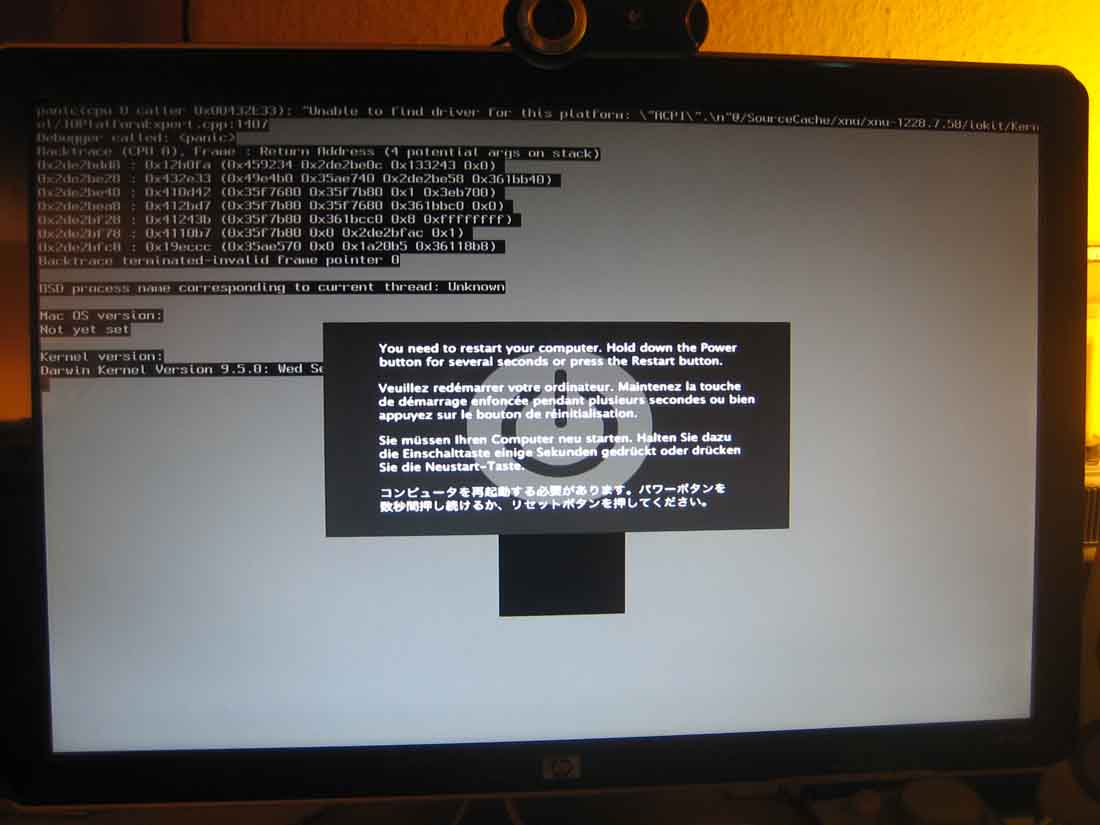
To make a long story short. EFI-X has customer service and they will exchange their defective units. You may also have a look at the EFi-X Bug Hunt forums for further assistence (please don’t link our article from EFI-X Bug Hunt forums, they will remove it and may ban you – don’t say we didn’t warn ya ;-) Anyway if you need to have access to your data until the RMA unit arrives, we prepped the following article. We’re going to show you how to make your system bootable after the EFI-X device broke for whatever reason.
A short remark before we start: this article is partly based on a HowTo by a guy going by the nick Menoob. We shamelessly stole the method of installing retail Leopards on PCs and adapted it a tiny bit for this EFI-X specific case. Anyway: all the shouts fly out to him.
II. What you need
III. Prepping your hardware
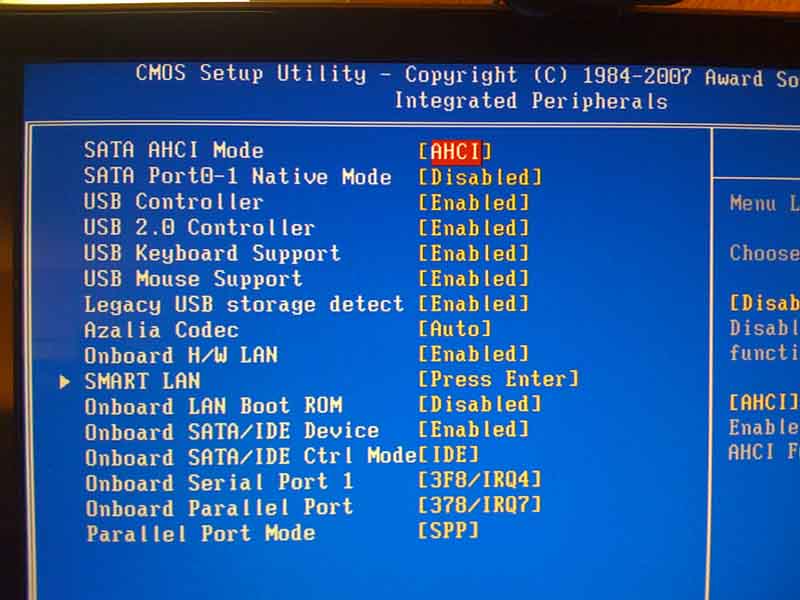
IV. Booting your system
F12 key to manually choose your boot device (applies to Gigabyte boards only!!!)
F8 Key. You’re gonna see this: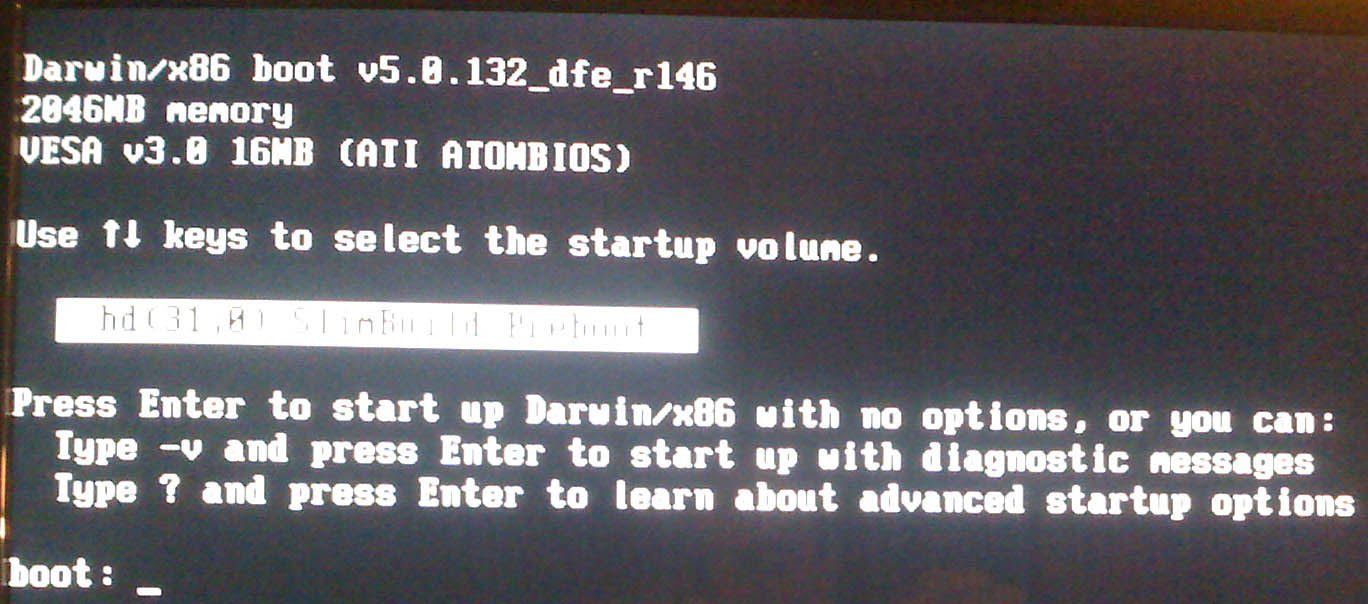
ESC Key. and You’re gonna be welcomed with this screen.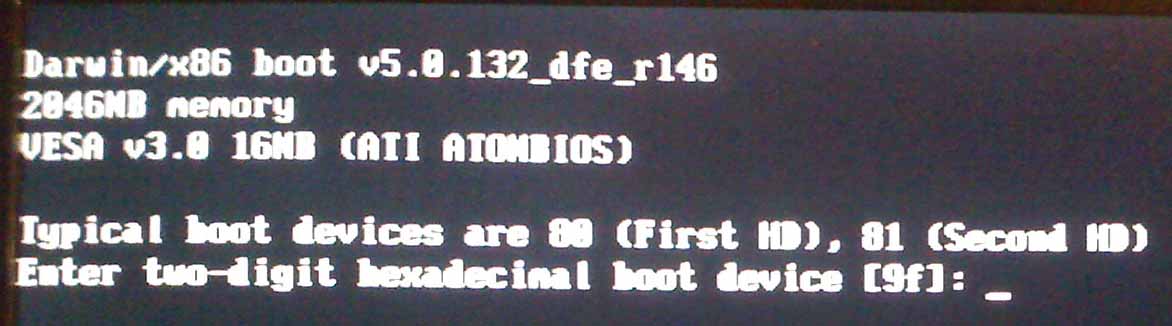
80 and hit return, if the name of your MacOS harddrive shows up, 80 was the right number, if it does not show up, give 81 a try and so on.-v -x as parameters and hit return (you may find more infos about these Darwin boot parameters here)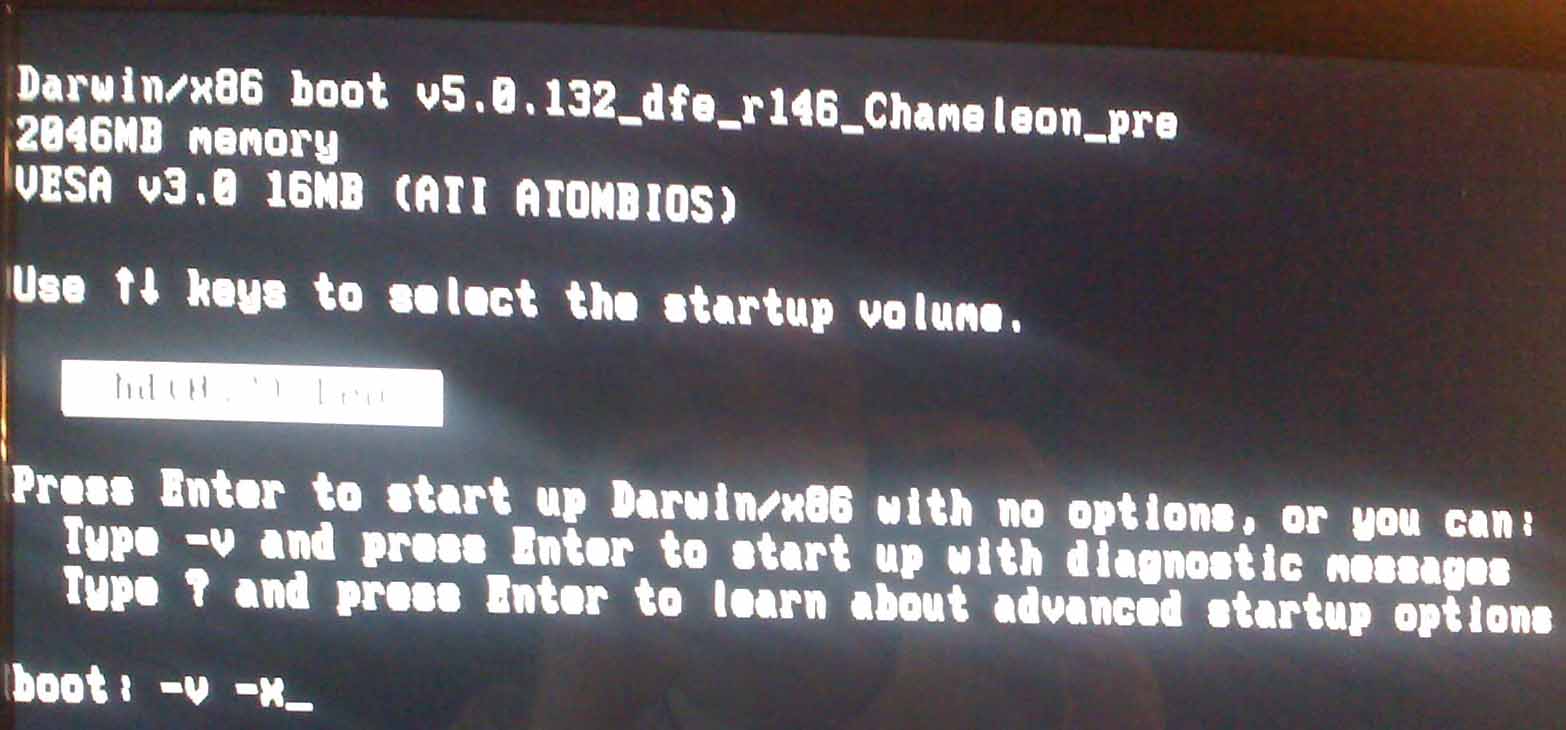
V. Saving your data
VI. Final Words
Ooop duh. You got some more options here that we cannot cover at this time:
Anyway we hope that article helped you a tiny bit. If so you may also consider our sponsors, they also help you (and us of course)…
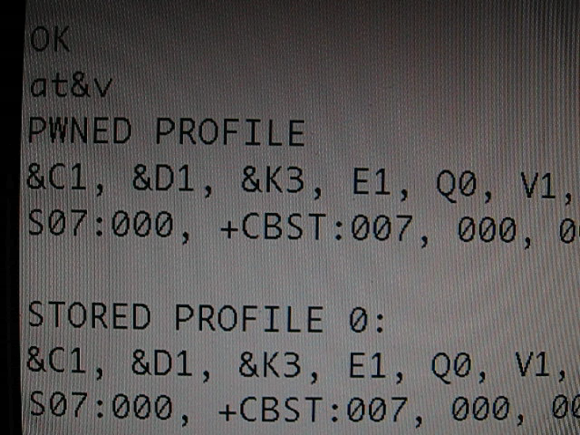
The iPhone Dev Team posted some news during the last days. First of all they show us they are able to run a modified 3G baseband, although it fails integrity checks (see picture). And obviously they coded a baseband tool that allows execution of custom commands on the baseband.
Their silent and evolving works seems to be succesfull. Both these steps are major steps into a custom unlock. Anyway we don’t have information how long it will take until the final unlock, but we expect it to be aired before Chrismas.
Picture and video is courtesy of iPhone Dev Team.
Ever wanted to do some video recording with your iPhone? With Cycorder waiting is now over. Cycorder’s features as follows:
We feel this app is really fun and we really use it a lot.
Requirements: Your iPhone has to be jailbroken (read the HowTo here) and you need to have Cydia installed, because this app is not available on Apple’s AppStore. It is maintained by the Cydia developer Saurik (Jan Freeman).
Installation: is performed by Cydia and is straightforward…
Enjoy…
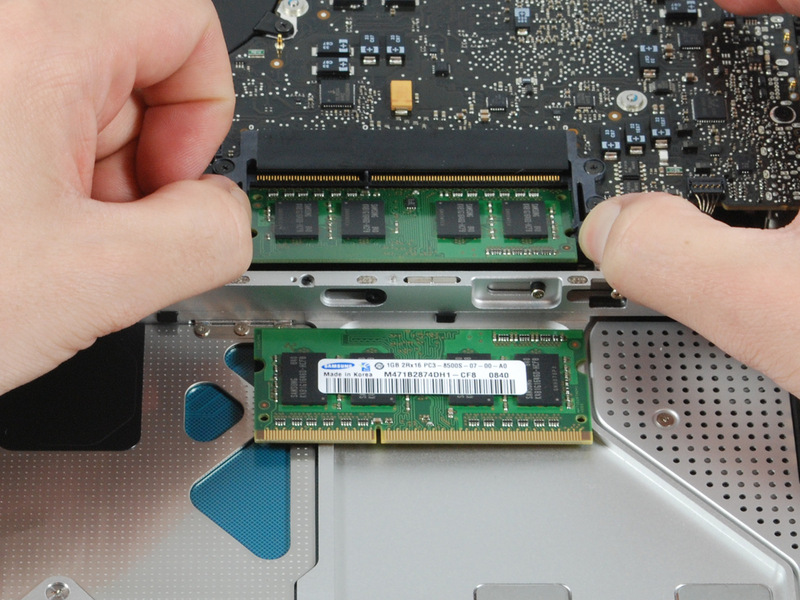
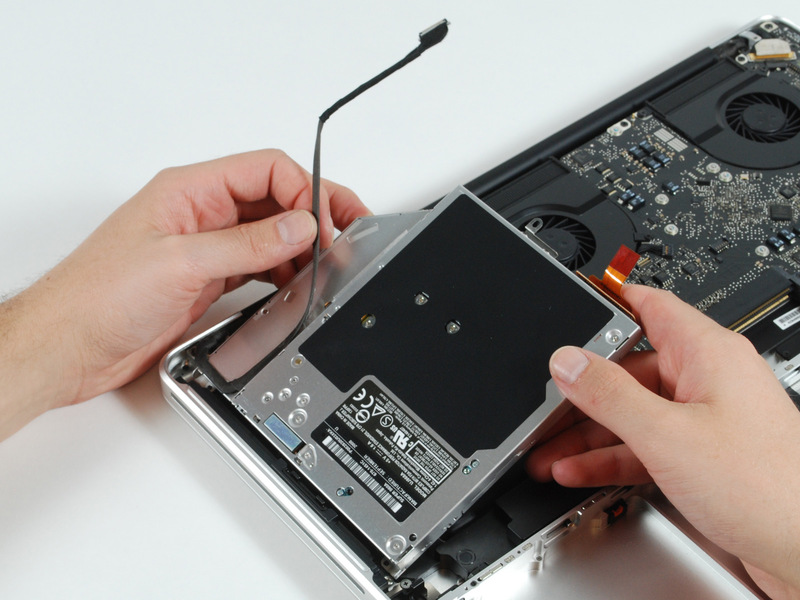
For all people being interested how the new Mac Books can be disassembled, you may have a look at the pages of the iFixit.com guys. They show us how to open the new Mac Books and the new Mac Book Pros.
Pictures are courtesy of iFixit.com.
|
Mac Book |
|
Mac Book Pro |
We’ve all been expecting the release of the new series for the last few months. Mainly the MacBook Pro really needed a redesign. We feel like the displays look a bit like the LCDs manufactured by HP, but anyway those machines really look nice. Pricing might still feel like to to high in comparison to normal x86 Laptops. People on forums critisize that there is still no 11″ or 12″ on-the-road compatible machine. Anyway, four things are new with these Mac Books
Prices vary at least between 1,300US$ and 2,000US$. You may find the new models on the US Apple store.
The german Golem.de got a vid showing how the manufacturing process of the cases is being done now (you may ask yourself – like we did – why the (asian?) faces of the factory workers are not being showed a single time). And Engagdet got a nice video showing the glass trackpad in action. Find both videos below.
Video is courtesy of Golem.de
Video is courtesy of Engadget.com
All of us switchers know the situation: rather that switching from one application to another in Microsoft Windows we can switch from every window to another using ALT-TAB. The problem is such behaviour is not known to the Mac world.
The developer Peter Maurer puts it that way:
Sure, you can use Mac OS X’s Exposé to switch windows, but doing so can be very clumsy if you’re the keyboard-only type of user. And don’t all of these windows look just the same when they are scaled down?
Witch lets you access all of your windows by pressing a shortcut and choosing from a clearly arranged list of window titles.
And the best: it’s shareware (!) Sorry for the error before…

Three days to go until the new Mac Books will be presented to the world. On YouTube a video appeared that either shows a well done fake or it really is the new Mac Book Aluminium series. As Apple does not like to see pictures or videos of their products before their official launch we will not embed the YouTube video here.
You may go to YouTube and search for “X6jsJfiENAs“… Don’t wonder the quality is very bad…
I. Abstract
This is a short HowTo since all of you by now know how to use QuickPwn, don’t you? in short: QuickPwn is an Après-Tool. Means: you let iTunes 8 do the update process and use QuickPwn afterwards to “open” your device. Note:
Our article will not cover the iPod Touch, but the iPhone.
II. Requirements
III. Warning
Jailbreaking and unlocking is illegal to be performed with iPhone devices that are part of a current agreement (mostly 12 or 24 months). You would violate your contract by jailbreaking and unlocking! Don’t do it.
IV. Update iPhone firmware
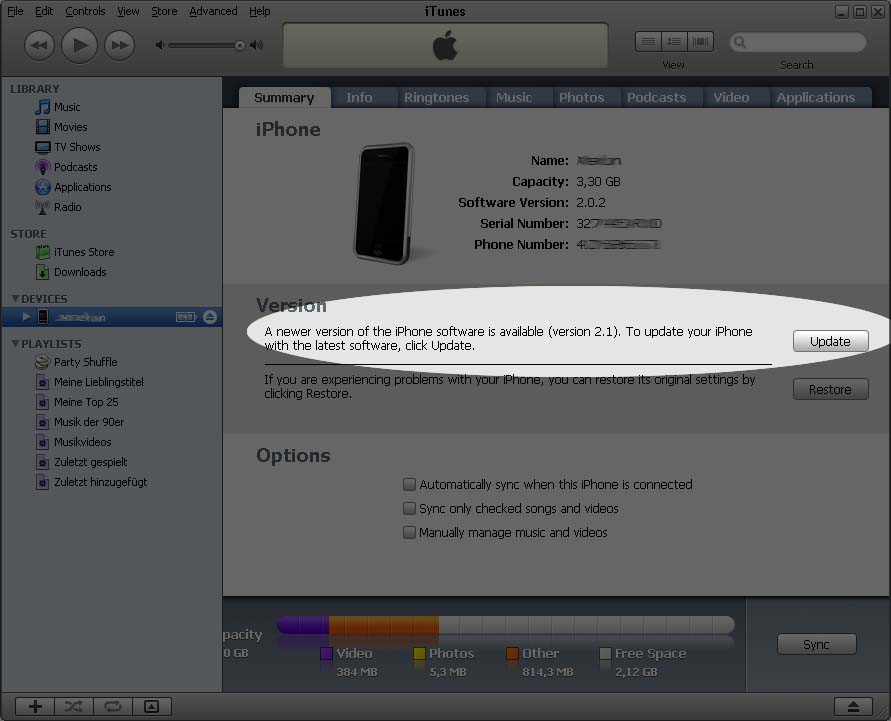
shift-key (on your keyboard) and do a mouse-click on the Update Button – a file-open window will pop up like this: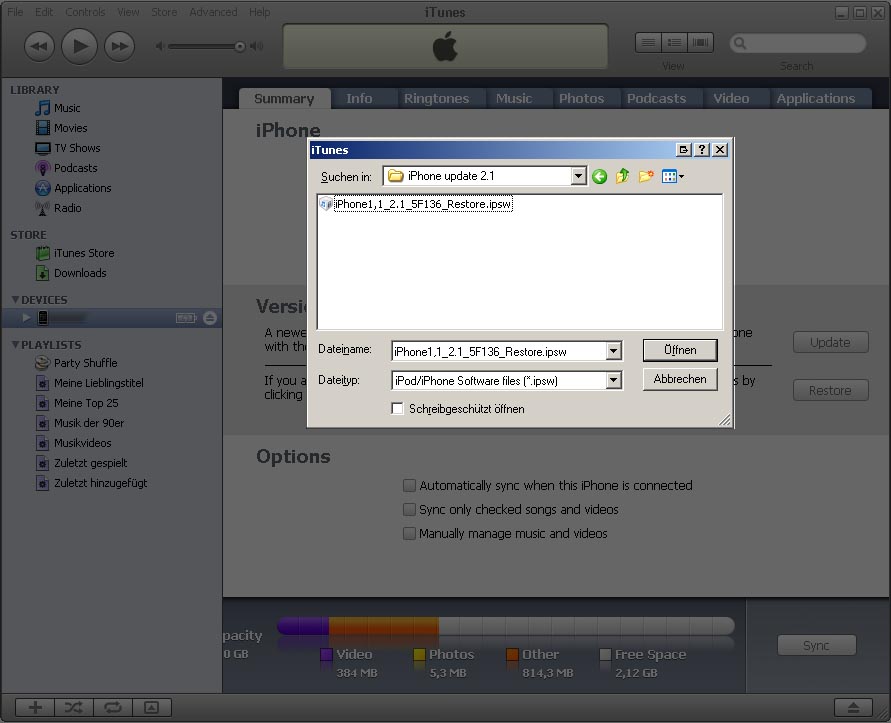
iPhone1,1_2.1_5F136_Restore.ipsw) and open it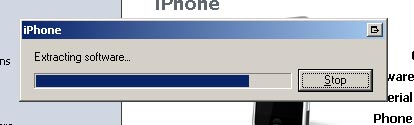
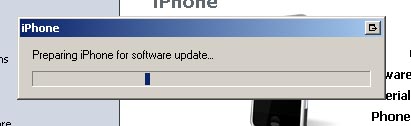
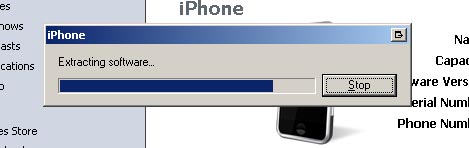
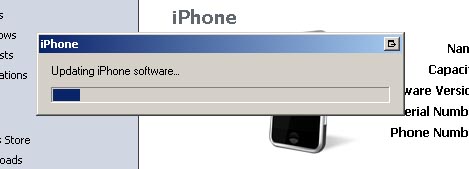
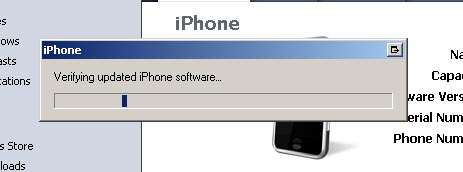
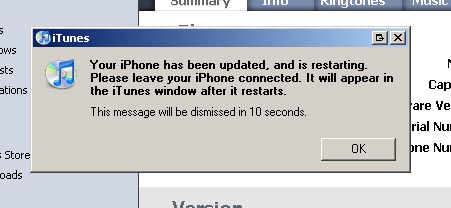
IV. QuickPwning it :-)
Device Detection screen, click the right-arrow to proceed: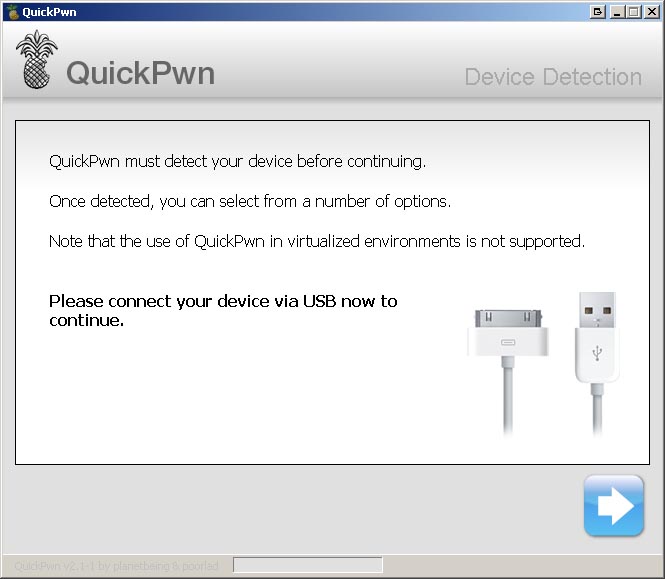
click the Browse button to locate your iPhone1,1_2.1_5F136_Restore.ipsw firmware:
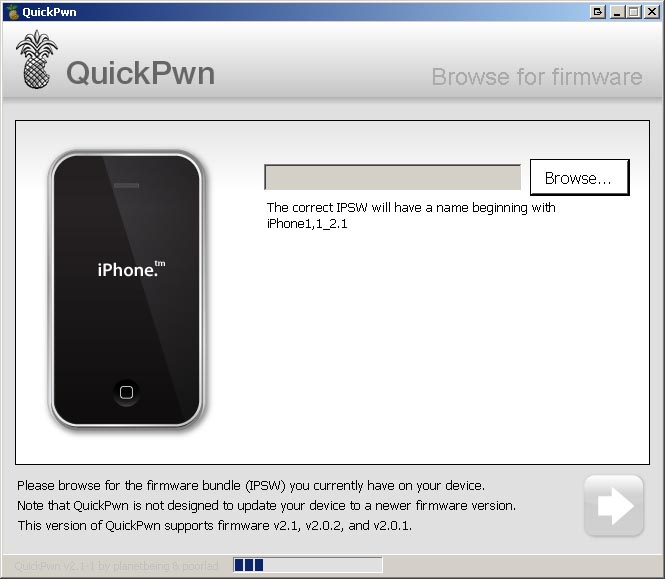
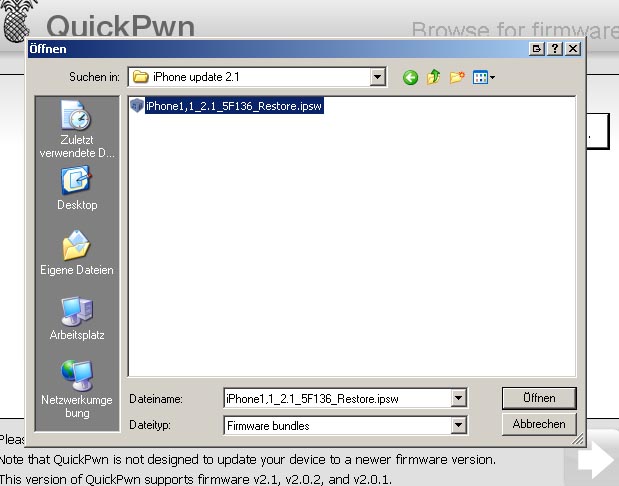
click the right-arrow):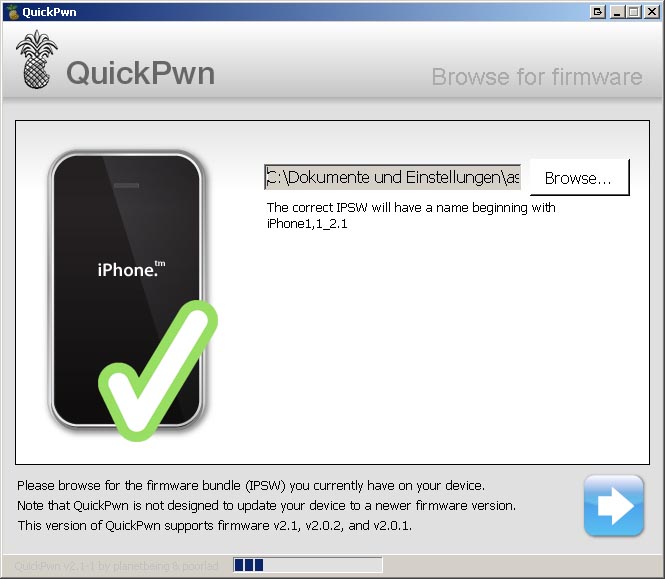
Cydia and Installer.app. If your iPhone has not been unlocked until now, here you can also choose to simunlock it. As we are quite conservative: we never change the boot logos, but this seems to be a matter of taste. After having selected, click the right-arrow button to proceed.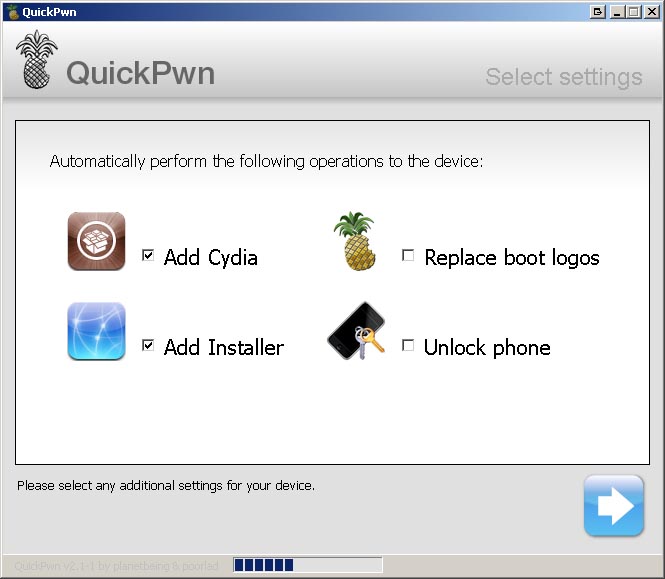
click the right-arrow button to proceed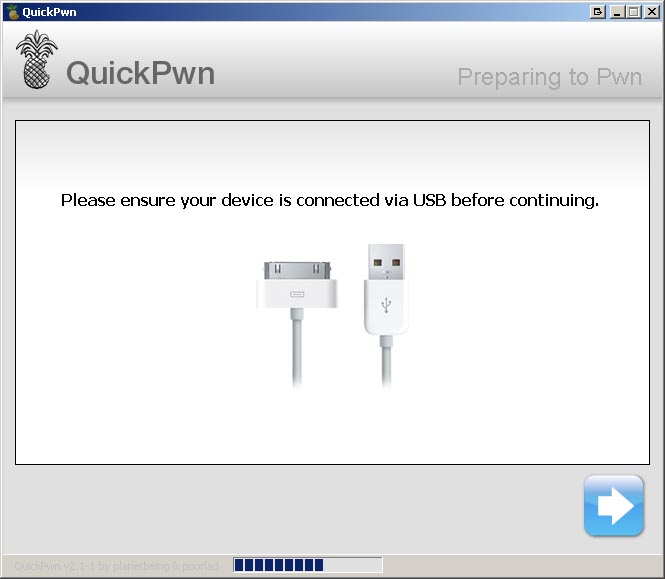
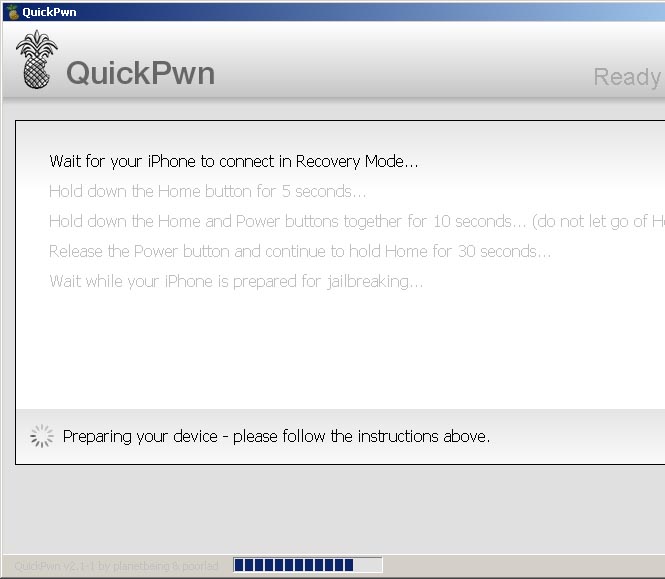
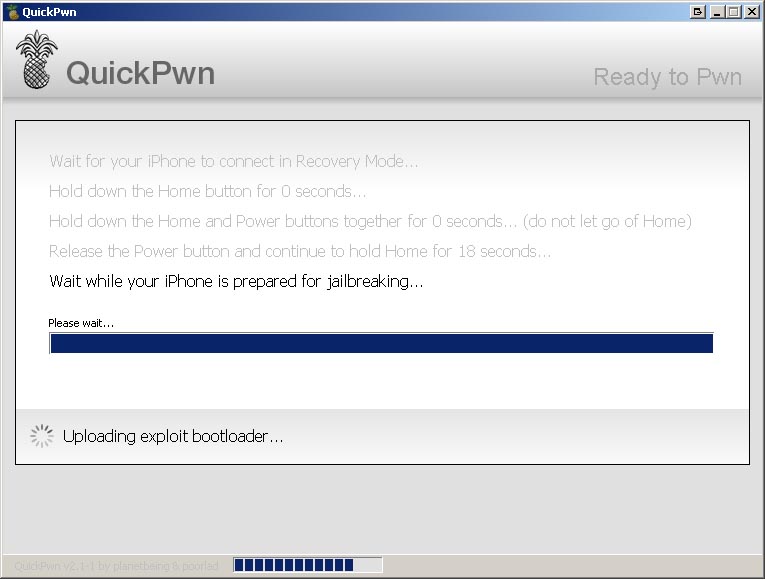
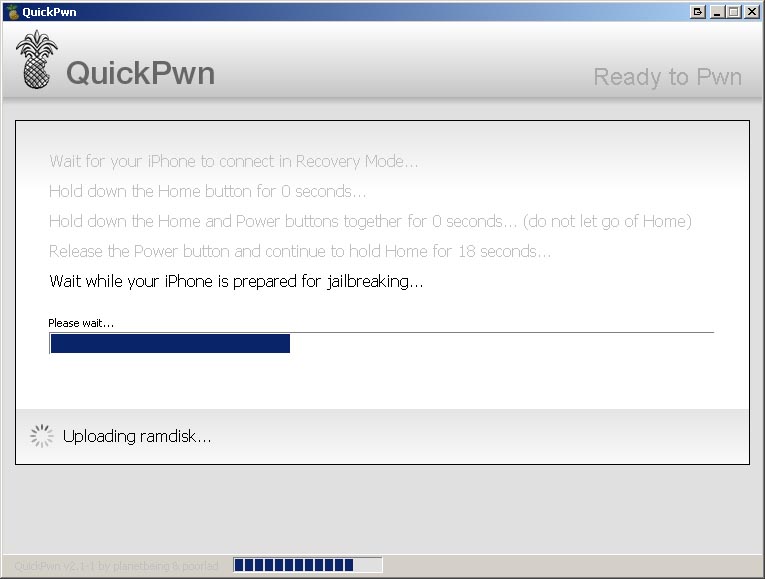
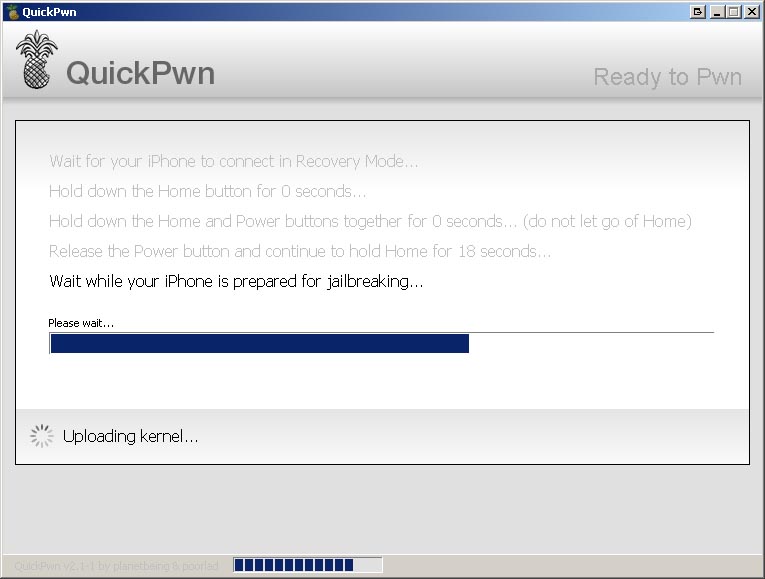
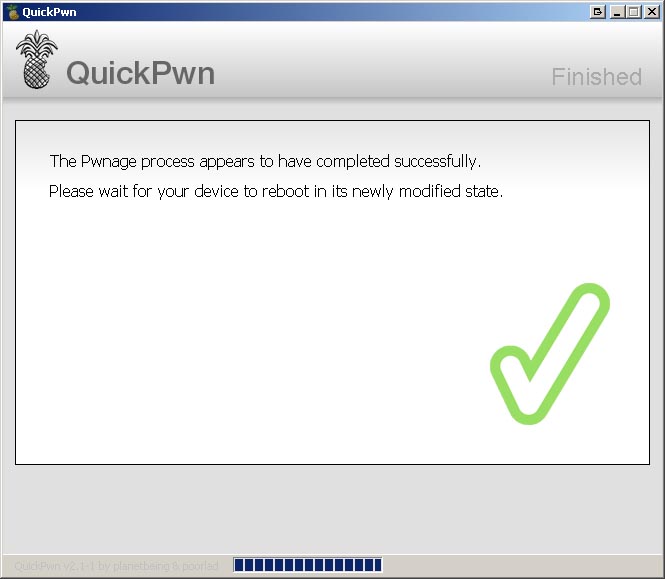
After having rebooted your iPhone will be perfectly jailbroken and unlocked
V. Final words
Guys, we hope we could clarify some more things here than others did. We appreciate your comments on this. Kudos to all of you and remember to consider our sponsors, they really got the coolest offers ;-) Kudos fly out to the iPhone Dev Team! Live long and prosper, guys.
It seems like Germany is about to overlap our British fellows. The union of the Berlin Police (GdP) had to admit yesterday that a list of Policemen’s cell fon numbers has been leaked to the internet. Besides fon numbers of normal policemen the list also includes numbers of executives working in special task forces. It now is suspected criminals may use cell phone locating techniques to find out the where-abouts of specific executives. Policemen are prompted to change their number as soon as possible.